Module 2I: Flash and Shutter Speed
I.  Flash and Shutter speed
We saw earlier that the shutter speed has no bearing on the exposure of the flash, however, it is a critical component for proper exposure of ambient light.
With this knowledge, we can create blended images that are created with flash and control the ambient light.
In the image below, the camera is metered for the exposure in the background.
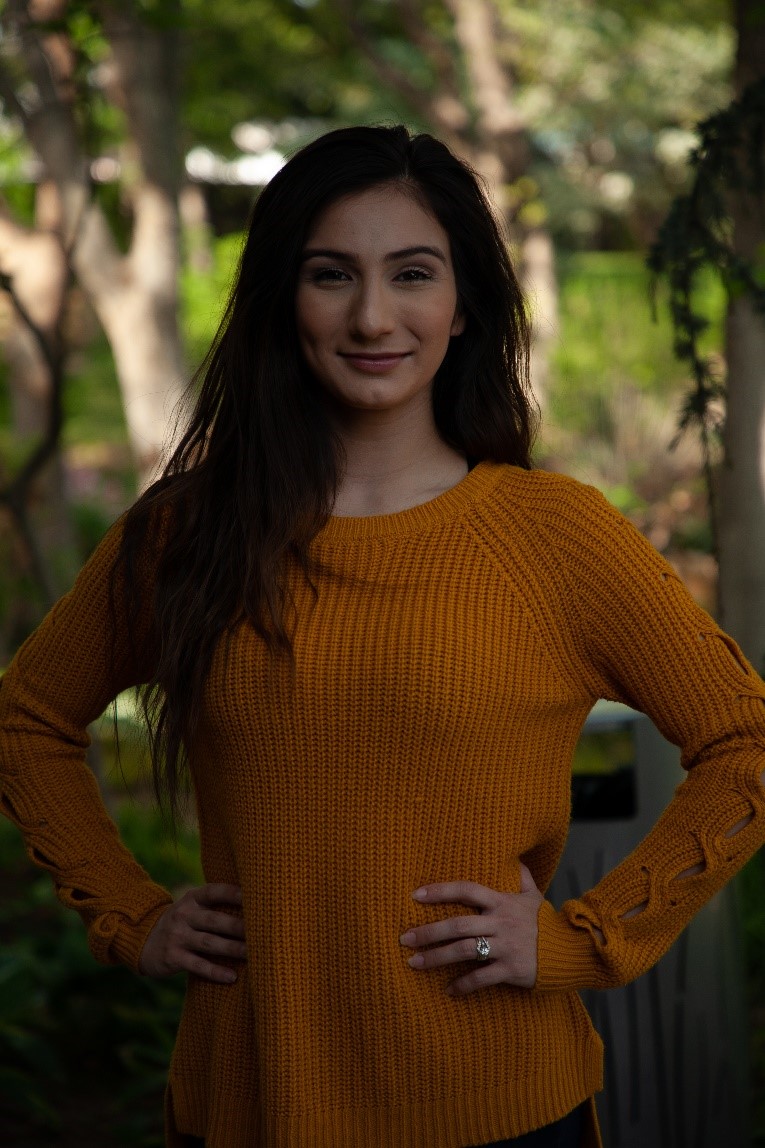
At f8 at 1/125, the background looks good, but the subject is too dark.
Taking a meter reading for the subject, the result measures f8 at 1/30. With this setting, the background begins to wash out.

Setting the flash to fire at f/8 with the background exposure measured at f/8 at 1/125 provides a nice balance of light on the subject to the light in the background.

We can now control the relative brightness or darkness of the background by adjusting the shutter speed.
Increasing the shutter speed will effectively darken the background while decreasing the shutter speed will lighten it.

In the example above, increasing the shutter speed from 1/125 to 1/250 made the background appear darker.
Because this technique can be very helpful when working in outdoor environments, consider measuring backgrounds with the meter set at least one or two stops below the camera’s sync speed.
This will provide a bit of leeway when it is advantageous to increase the shutter speed to darken a background without exceeding the camera’s sync speed.
Dragging the Shutter
You can take flash photographs at shutter speeds that are slower than the camera’s sync speed. For example, if your shutter syncs at 1/125, you can also use 1/60, 1/30, 1/15, 1/8 and so on. This is called dragging the shutter. Dragging the shutter allows you to record some of the ambient light along with the flash exposure.
To do this, figure your f-stop for the flash exposure and set the camera accordingly. Next, read the ambient light with a meter to determine the corresponding shutter speed for the f-stop selected for the flash. Then, set the camera to the corresponding shutter speed.
In the image below, the flash exposure was f5.6@1/125. This left the church very dark, and the bride and groom in a very flat light.
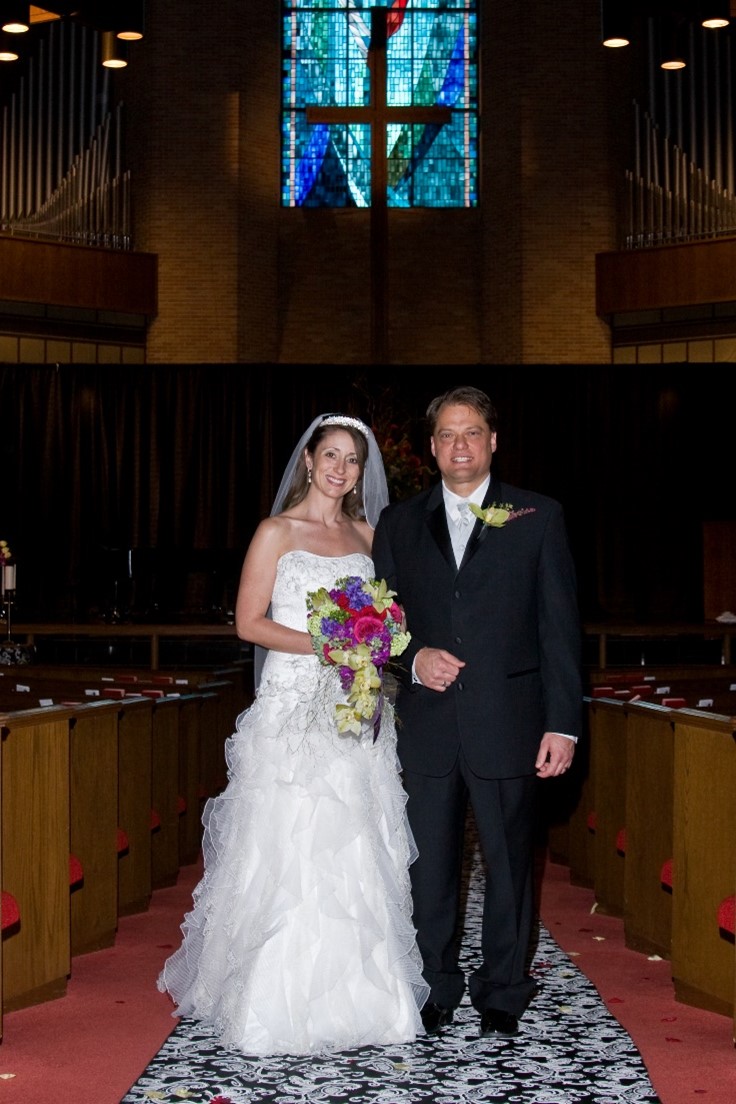
To drag the shutter, measure the background at the working aperture (f/5.6 in this image) to find the corresponding shutter speed. The church measured f/5.6 at 1/4.The settings on the camera were: f5.6@1/4 to match the ambient light of the church. The results provided proper exposure of the couple with more detail in the background.
As we saw previously, we can control the brightness or darkness of the background by increasing the shutter a bit more or reducing the speed.
Fill Flash and “The Sunny 16 Rule”
While it may not be ideal to photograph a subject in full sun, sometimes there is no choice. The hard lighting of full sun creates strong shadows which may be objectionable. In these situations, a portable flash may be used to help fill in some of the harsh shadows.
We will look at using flash in detail in the following pages, but let’s get a quick understanding of what can be done in using flash with the “Sunny 16” rule.
Let’s take an example of a bride and groom exiting the church after the ceremony. With an afternoon wedding, they will be making their exit outside in full sun. Photographing at f16 at 1/125 with 100 ISO follows the Sunny 16 rule. The problem is going to be the hard shadows that occur because of the sun. Using the flash as a fill light will help raise the illumination of the shadows.
Balancing the flash to the main sunlight would create flat lighting. So, the goal is to introduce the flash at an output that is less than F16.
Typically, setting the flash to fire one stop less than f16 will provide enough illumination in the shadows to provide detail and to offset some of the unwanted shadows.
Remember, you can’t get rid of all of the shadows, or the lighting will appear flat and unnatural. Setting the flash too low will likely result in not seeing any evidence of it at all as the exposure from the sun is so strong.
In the image below, the bride and groom are standing outside the chapel was taken at f16. Knowing they would be in and out of direct sunlight, The flash was set to fire one stop less, at f11. The flash fills her face and his back nicely.